Simple Path Follow
The SimplePathFollow component is a utility script that allows you to connect Transforms, to animate an object along a path.
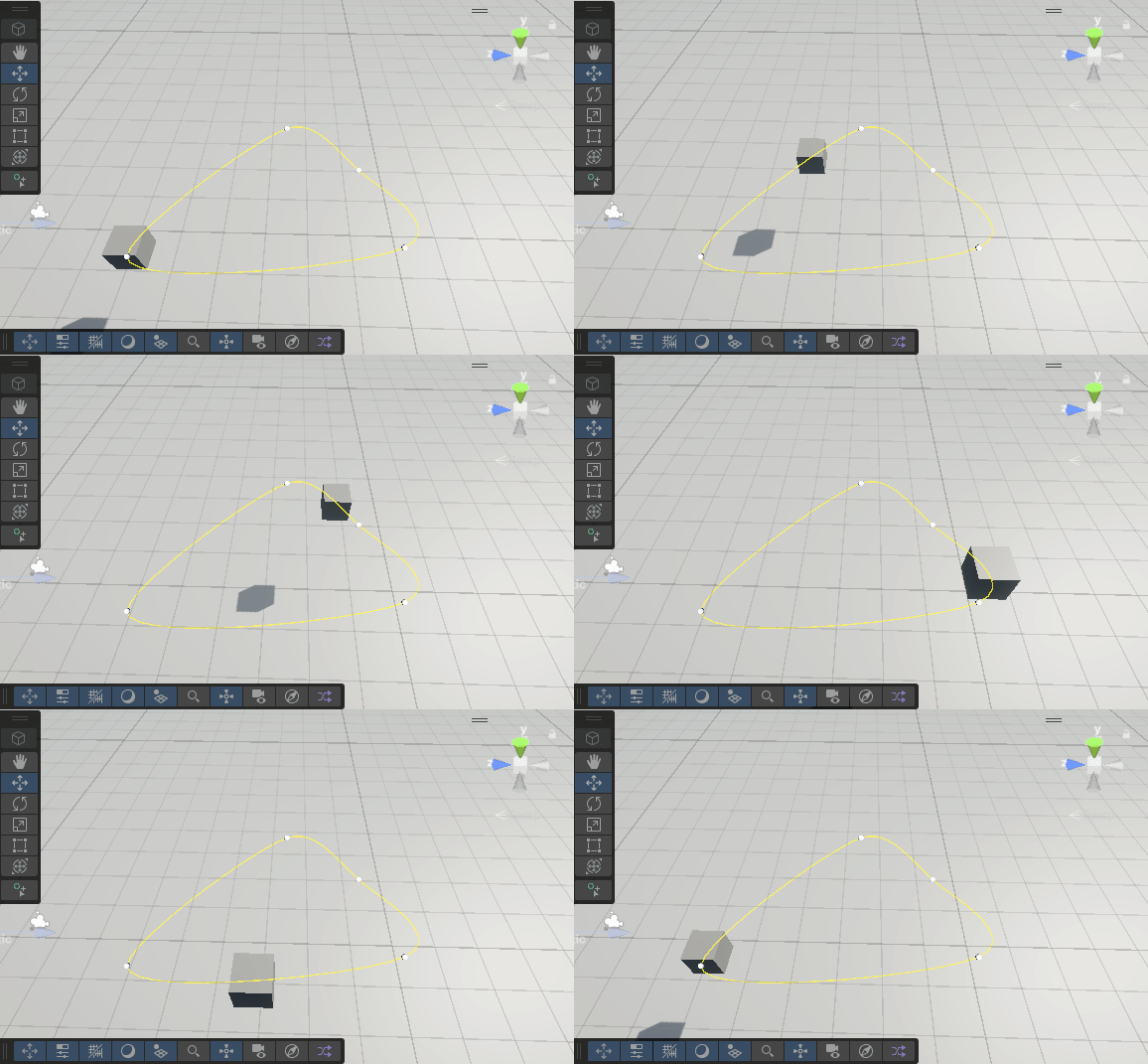
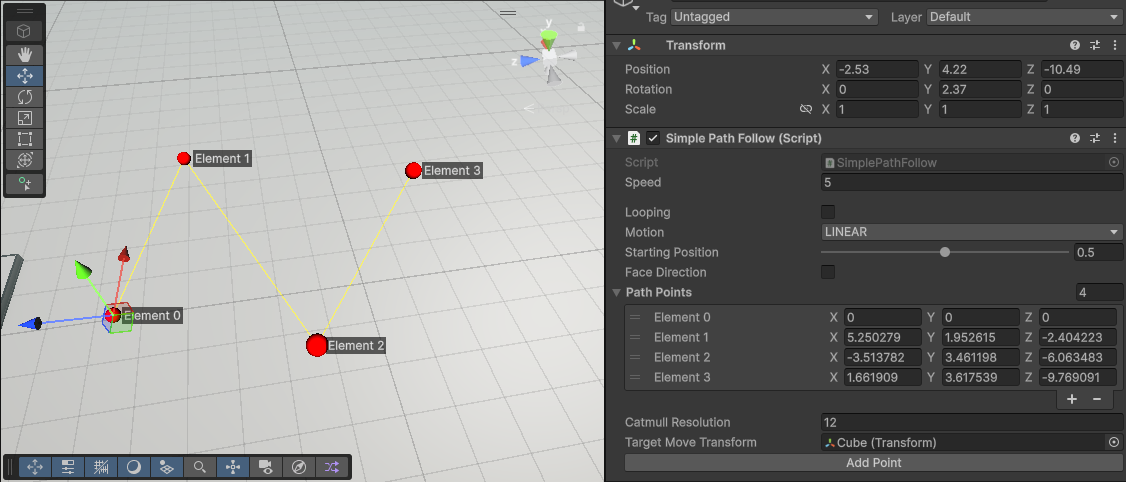
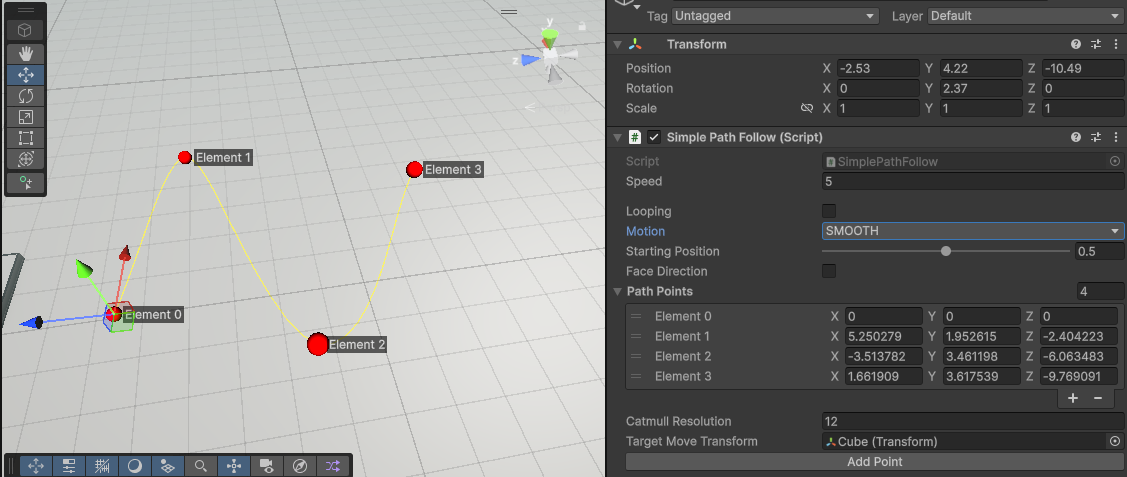
| Linear | Smooth |
|---|---|
| The path is traversed linearly. | The path is traversed with a smooth curve (Catmull-Rom). |
 |  |
Speed & Direction
You are able to control the speed of the path traversal, but also the direction, by using either a negative or positive speed.
Face Direction: This toggle forces the transform that is moving to have its forward direction be the same as the path tangent.Starting Position: This allows you select the position on the path as a percentage where the transform will start from.
Looping
There is also the option to loop the path, using the looping toggle on the inspector. Looping changes how the traversal happens by default, as the non-looping option will have the transform ping-ponging back and forth between the start and end points.
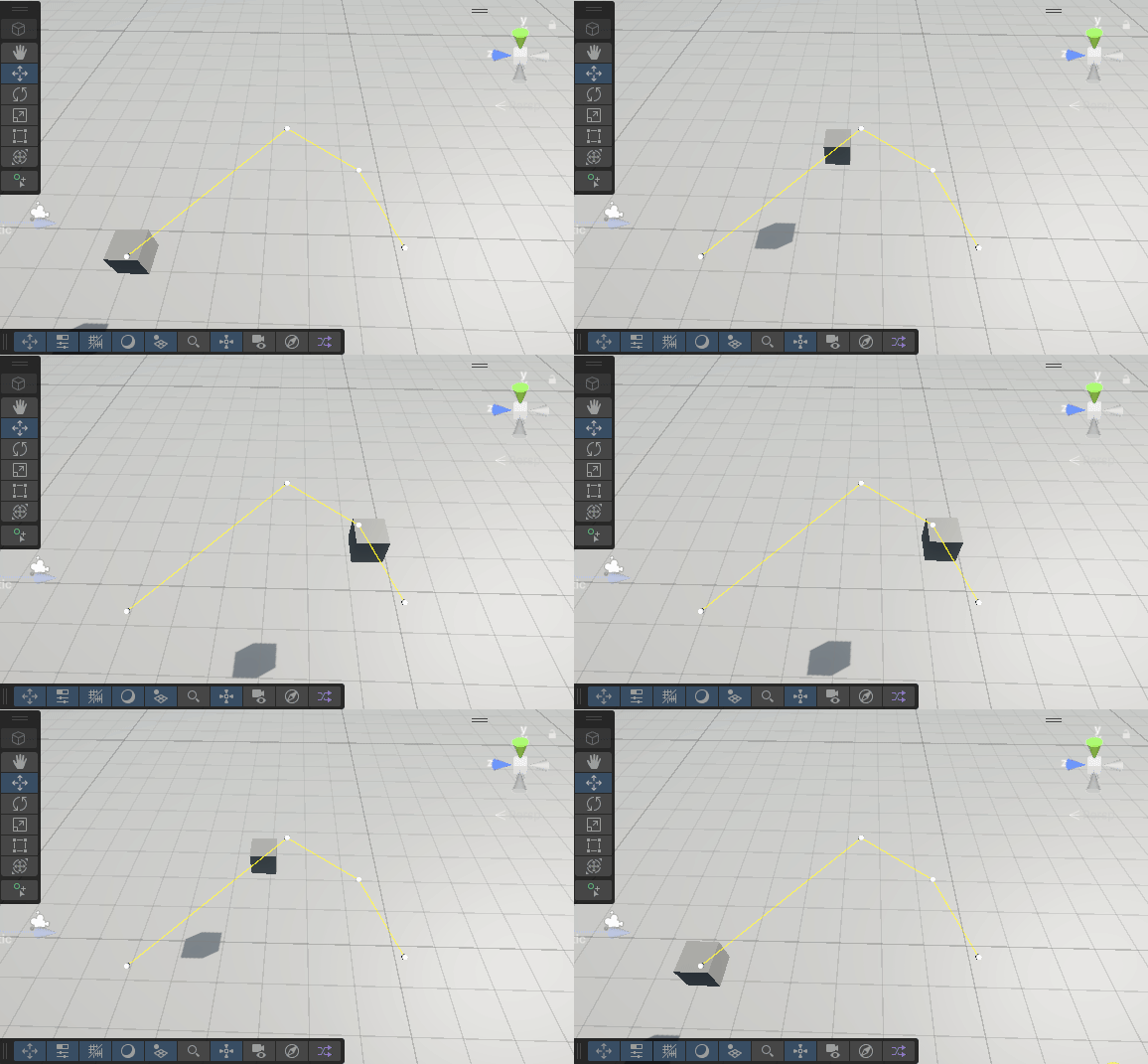
Editing the path
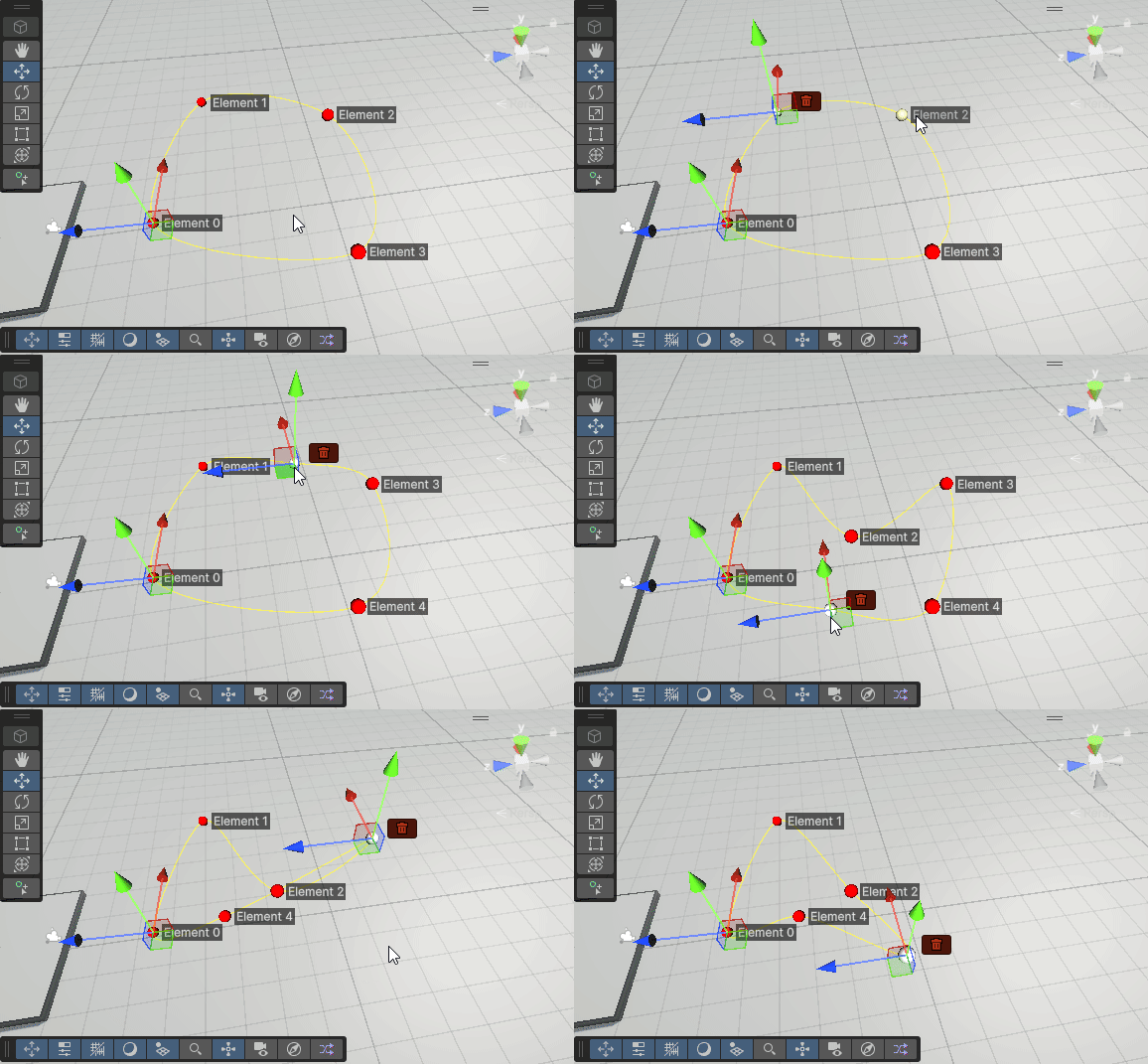
The path uses a list of Vector3 values. These values are converted from local space to world space, so that the rotation and position of the parent object is taken into account. When the component object is selected, handles will appear on the path where the points are located. You are able to drag these handles to change the position of the points.
Controls
| Type | Image | Notes |
|---|---|---|
| Add & Delete | 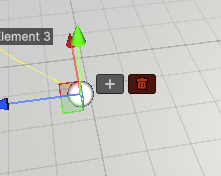 | This editor will only appear when you have selected the last point on the path AND when it looping is not enabled |
| Delete | 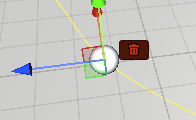 | This will remove the selected point, and attempt to then select the point prior. |
| Insert | 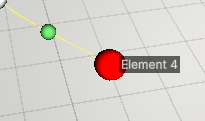 | The green sphere indicates where a new point will be added when pressing left click. |