Thumbnail Studio
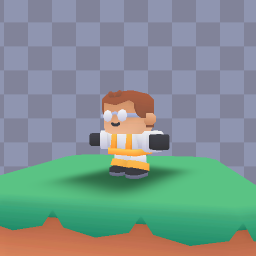
This sample allow you to create a collection of thumbnails for a collection of prefabs!
NOTE
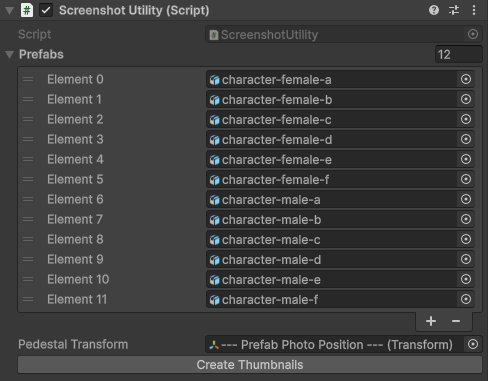
The Pedestal Transform applies its position & rotation to the instantiated prefab, so make sure that your objects forward is set correctly!
The included scene comes with a background (Attached to the Overlay Camera, which is part of a Camera Stack), as well as the pedestal. The Main utility script will allow you to associate a Transform in the scene to where the objects will be instantiated in the scene.
By pressing Create Thumbnails, the script will iterate over each prefab, then place the created images into the specified directory.
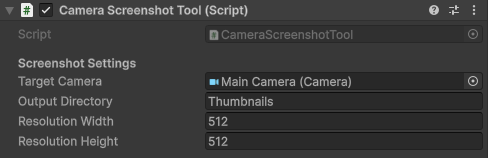
You're able to set values for the image size & location via the CameraScreenshotTool.cs