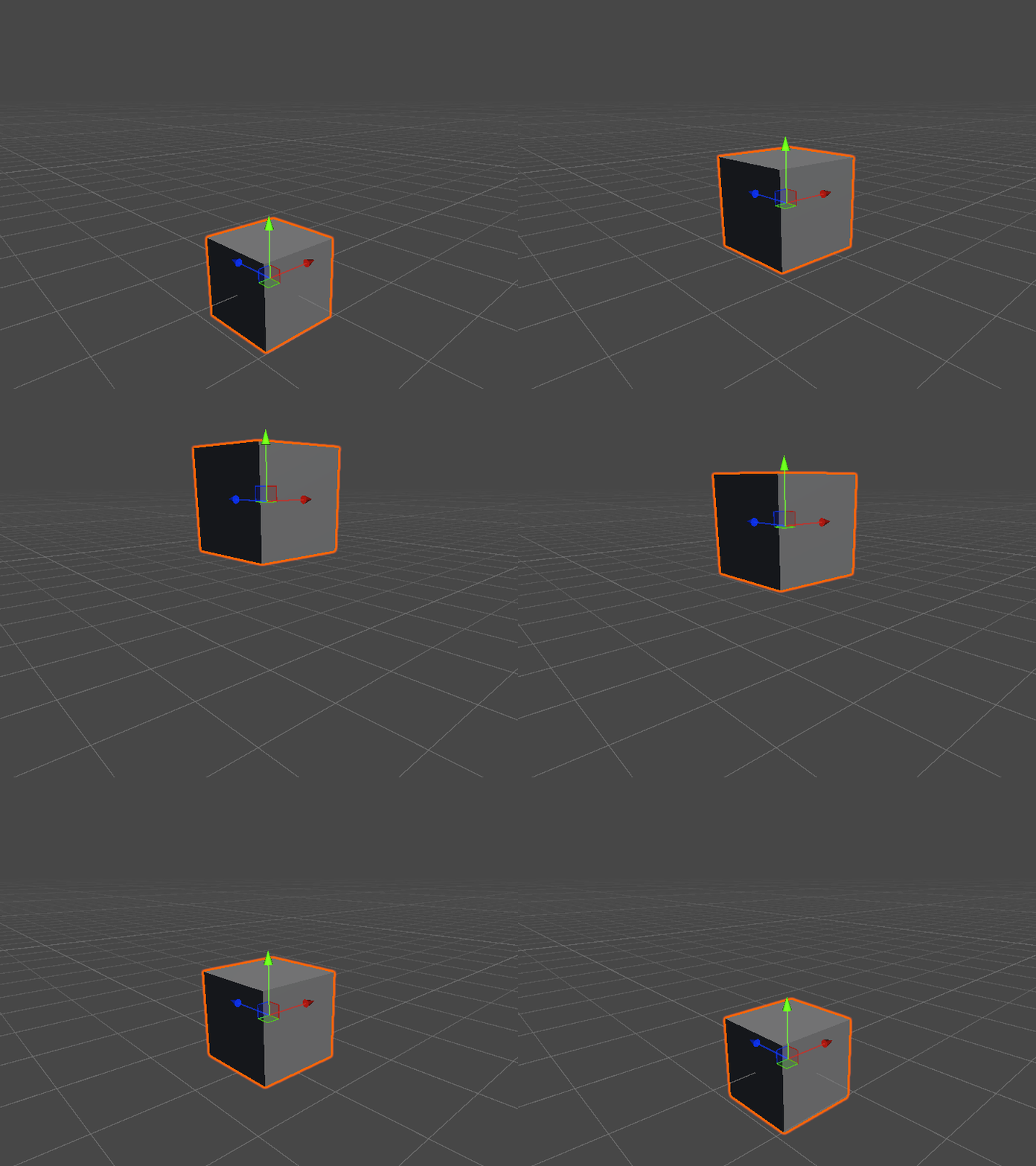
Transform Tweening
Using extension methods, there are now some new Tween functions that allow you to move the Transform via a simple function
By calling Transform.TweenTo() (or TweenScaleTo()) you are able to animate an object while remaining hands off! When you call TweenTo, a TweenController will be created in the Scene which will be the logic centre for all the Tweening.
Features
- You are able to target Local or World Positions & Rotations using
SPACE.WORLDorSPACE.LOCAL! - Performant functionality, that pools backend tweening data to remove Memory allocations!
- This includes if you destroy a
GameObjectthat is currently Tweening! - Uses the
Update()Unity Event, without using Coroutines
- This includes if you destroy a
- Call a Coroutine variant using
TweenToCoroutine()- This still uses the
Update()loop update, but allows waiting when called from a coroutine - The added
callbackwill invoke once the Coroutine is completed, to ensure execution order expectation
- This still uses the
Stacking Tweens
- If you call to tween a
TransformPosition & Rotation, each will be treated as separate tweens - If you call to tween a position on a transform that is already moving
- The original tween will be overwritten with the new tween
NOTE This means that if you set a Callback, the original will also be overwritten!!
Curves
Provided are some options for how your target transform should Lerp from A to B. By default, calling .TweenTo() will use LINEAR but below are the current options.
Linear
This is a basic Mathf.Lerp()
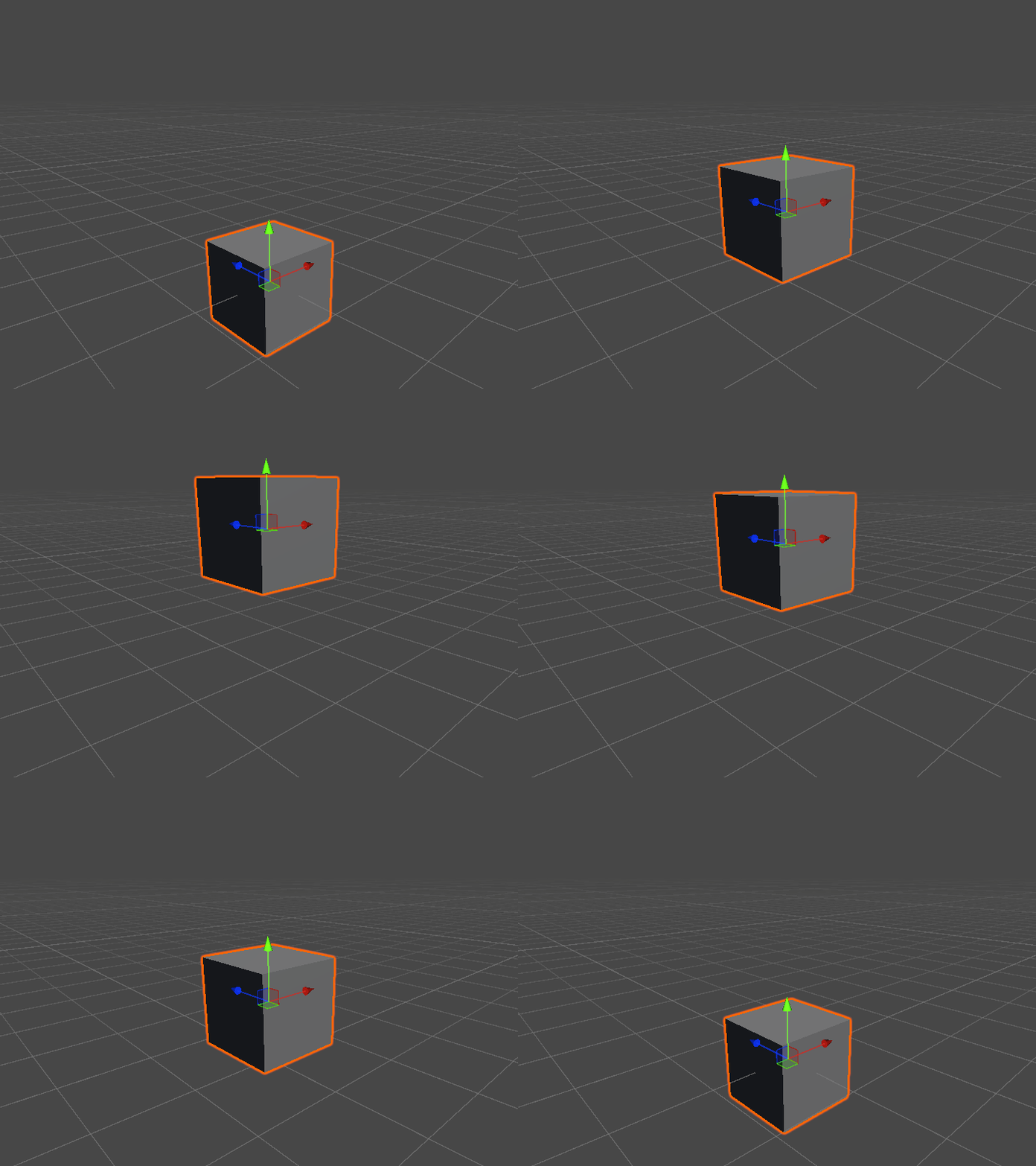
Ease In
This uses the LerpFunctions.Coserp()
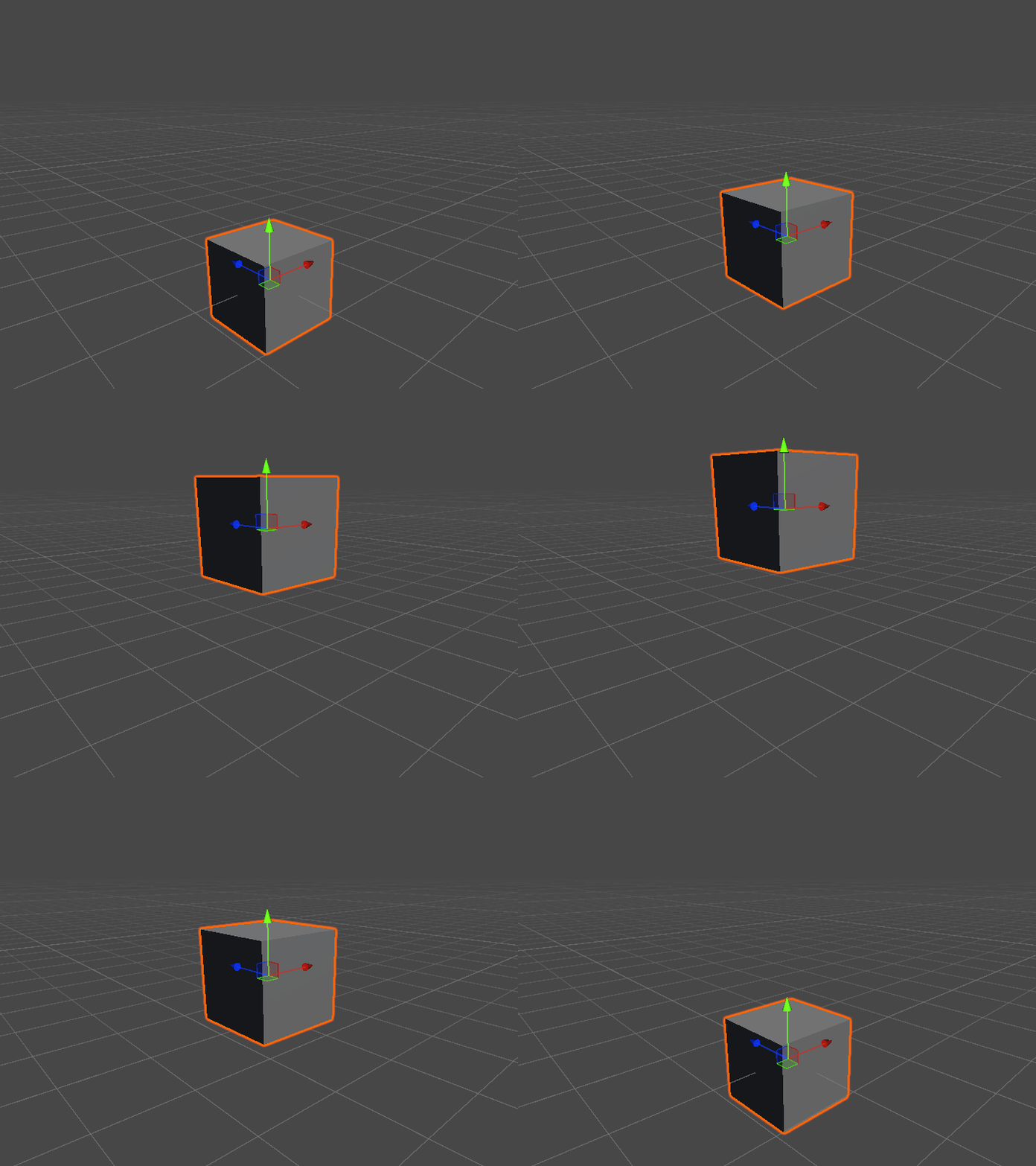
Ease Out
This uses the LerpFunctions.Sinerp()
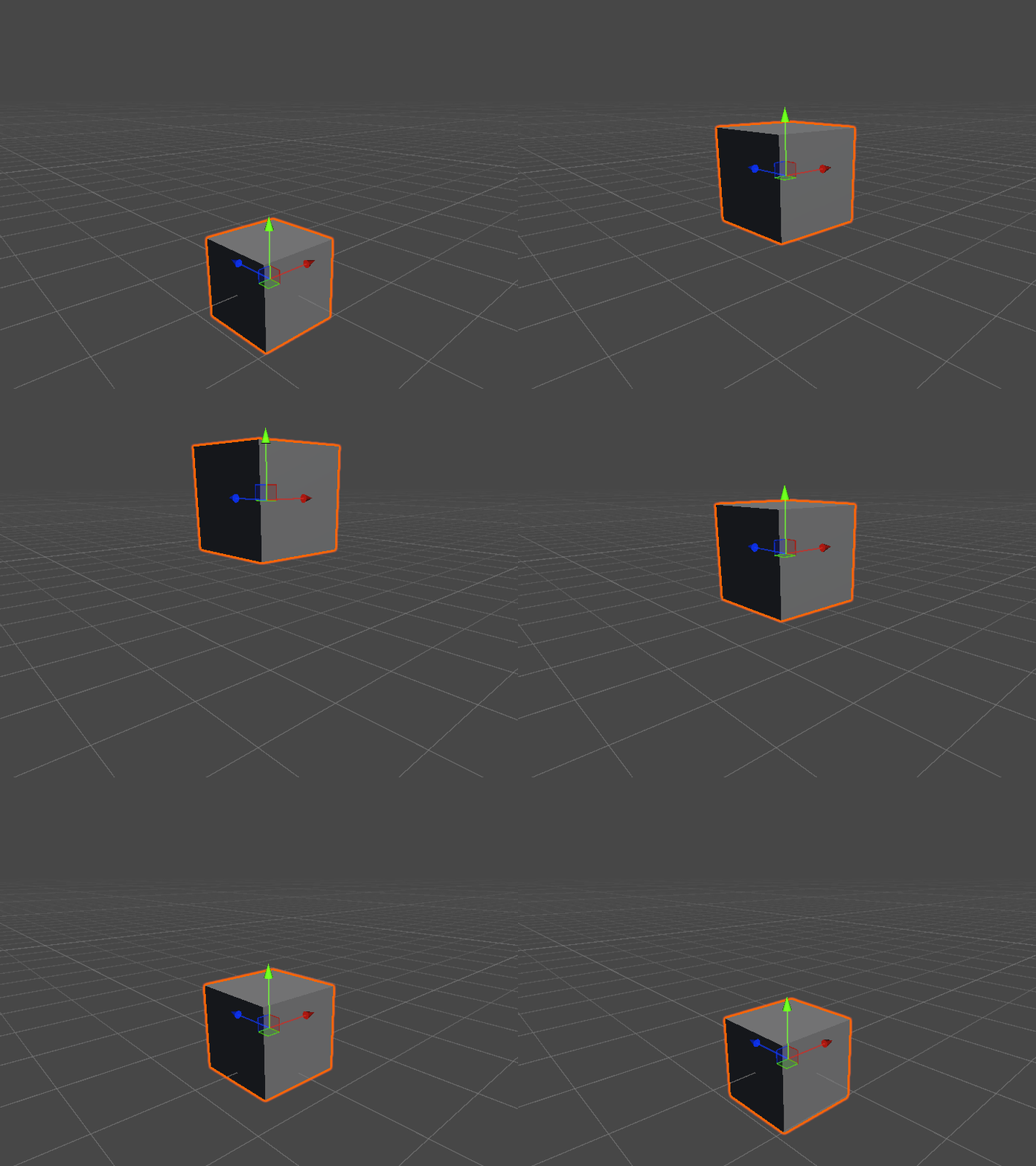
Ease In Out
This uses the LerpFunctions.Hermite()